初始化
安装
需要满足:Node.js 版本 > 18
bash
$ npm add -D vitepress初始化 VitePress
执行以下命令,初始化 VitePress 项目
bash
$ npx vitepress init按照需求配置初始化模板:
bash
┌  Welcome to VitePress!
│
◇  Where should VitePress initialize the config?(选择项目根目录)
│  ./
│
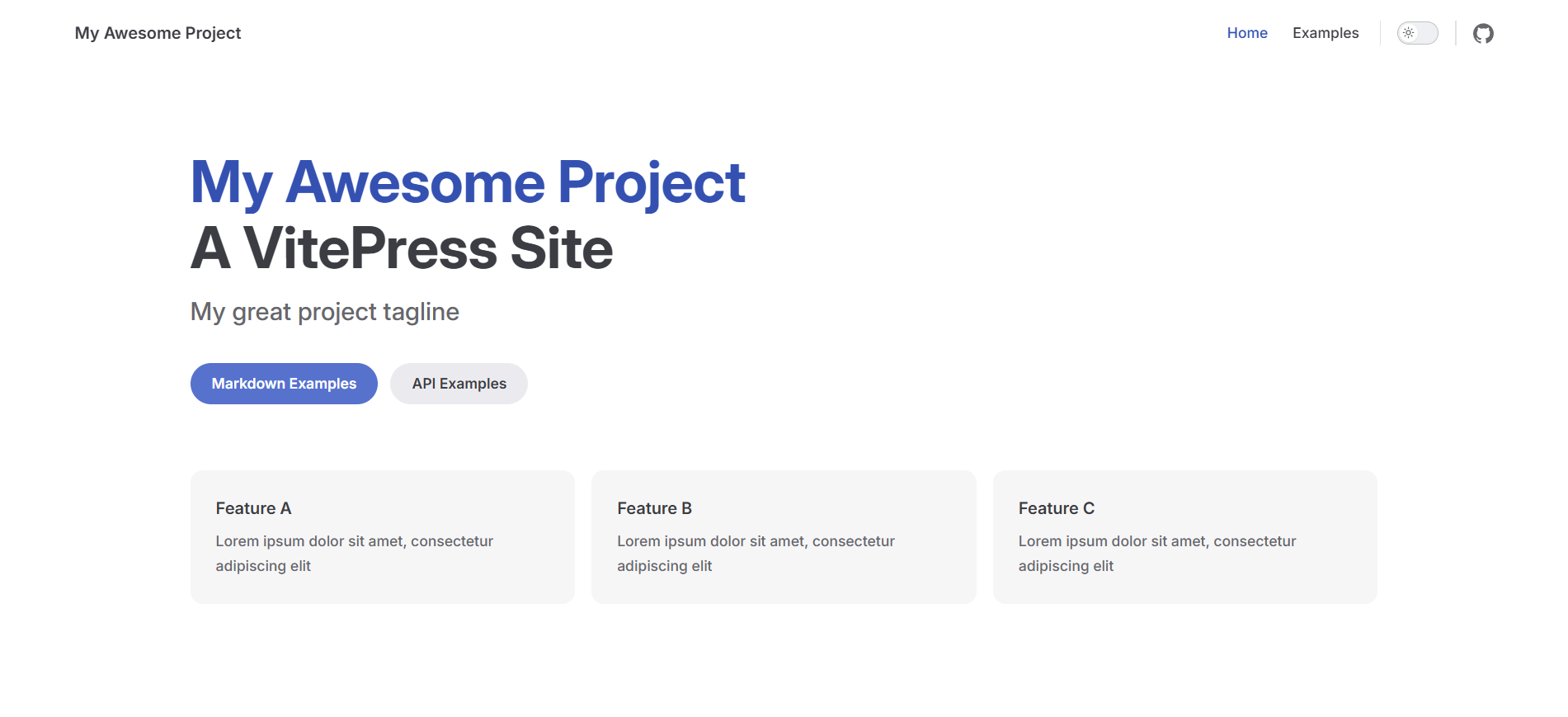
◇  Site title:(网站名)
│  My Awesome Project
│
◇  Site description:(网站描述)
│  A VitePress Site
│
◇  Theme:(主题选择)
│  Default Theme
│
◇  Use TypeScript for config and theme files?(是否使用 TS)
│  Yes
│
◇  Add VitePress npm scripts to package.json?(自动添加 VitePress 脚本)
│  Yes
│
└  Done! Now run pnpm run docs:dev and start writing.
文件结构
按照上述配置完成后,目录结构如下:
bash
.
├─ .vitepress
│  └─ config.mts
├─ api-examples.md
├─ markdown-examples.md
├─ index.md
├─ node_modules
├─ package-lock.json
└─ package.json
配置 .gitignore 文件
默认情况下,VitePress 将其开发服务器缓存存储在 .vitepress/cache 中,并将生产构建输出存储在 .vitepress/dist 中。如果使用 Git,应该将它们添加到 .gitignore 文件中:
gitignore
node_modules
.DS_Store
dist
dist-ssr
cache
.cache
.temp
*.local
运行
运行前需要保证 package.json 中含有如下脚本:
json
{
  "scripts": {
    "docs:dev": "vitepress dev",
    "docs:build": "vitepress build",
    "docs:preview": "vitepress preview"
  },
}
使用以下命令运行:
bash
$ npm run docs:dev大功告成🎉
预览网站(通常是 localhost:5173 )